myymala_ja_koodinappaimisto.png

1. Arrival

Welcome to Pelican Self Storage Kaari!
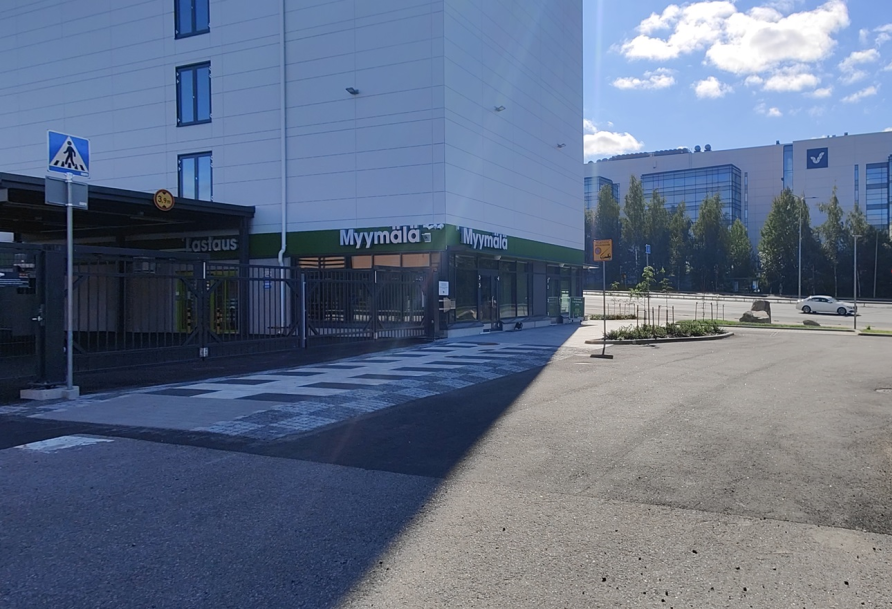
Our customer service is open on weekdays from 10 a.m. to 6 p.m. and on Saturdays from 10 a.m. to 2 p.m. In our shop you can buy moving and packing supplies such as moving boxes, mattress covers, packing tapes, etc. Welcome to visit us!

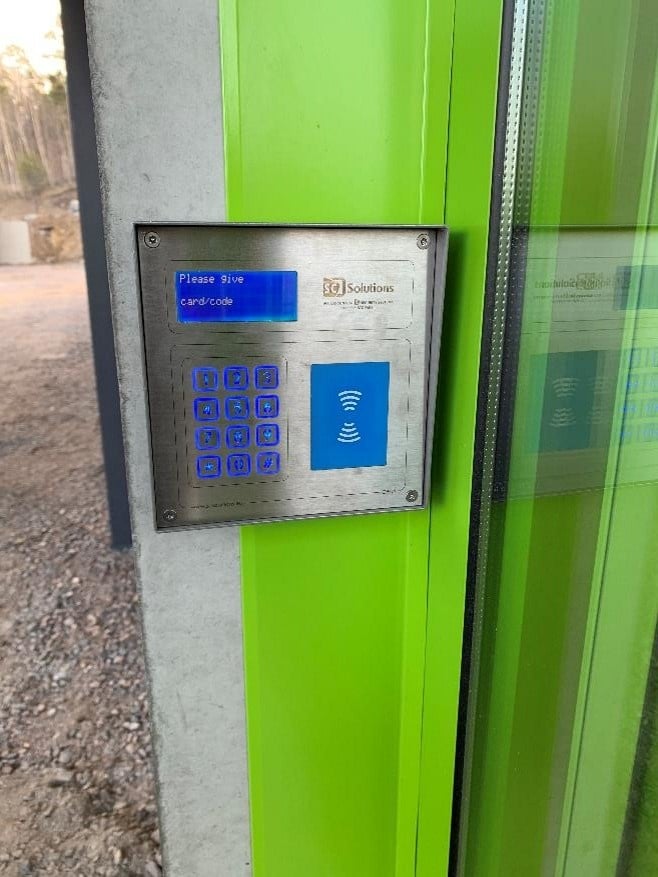
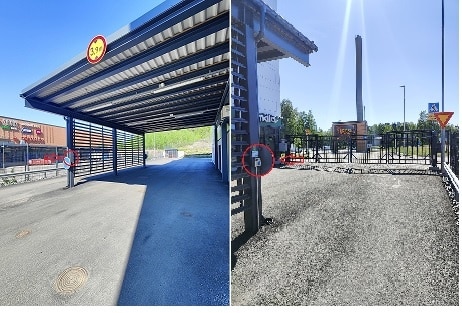
To access the yard from the gate, enter the 8-digit access code you have received into the keypad at the location shown in the picture.

2. Loading area/ entrance

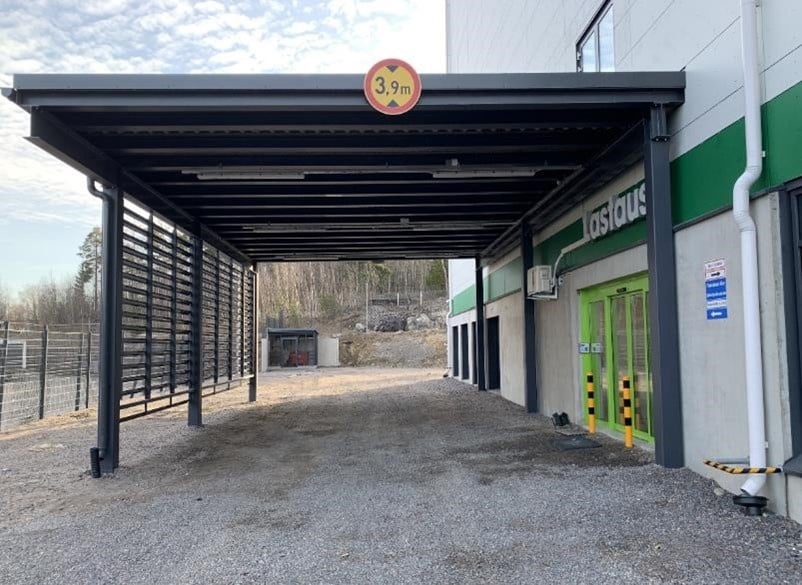
You can drive your car/trailer directly to the loading area, which also protects you from the weather.
Entrance to the loading area is through the gates next to the shop.

Exit through the same gates.

Please note that parking in the loading area is only allowed during loading or unloading.
When you are ready, please kindly move your car to the parking spaces in front of the shop, outside the gates.


kuva3_1.jpg
kuva5_1.jpg

3. Opening hours and use of the keypad

You have access to your storage space every day of the year from 05.30 to 22.00 from the start date of your contract.

When entering the code into the reader, first press * ( asterisk ) then the 8-digit code and finally # ( dash ) The instructions for using the device are also available next to it.

4. Trolleys in the loading area

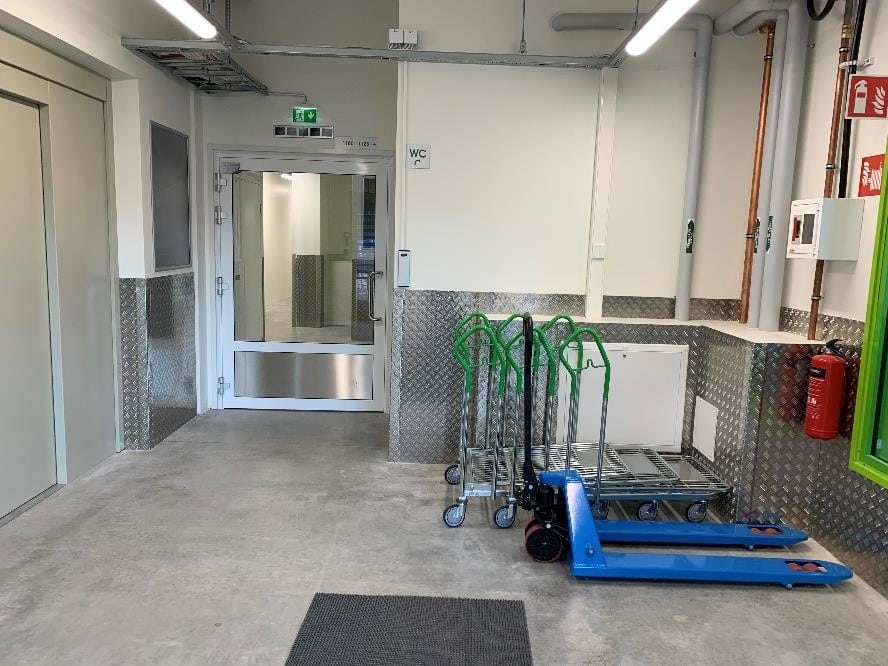
In the loading area, you can borrow trolleys for transporting goods. The trolleys are not locked and we ask you to return them to their place after use. Trolleys may not be left in your own storage or borrowed to take with you.

kuva6_1.jpg
kuva7_1.jpg

5. How to find your storage space

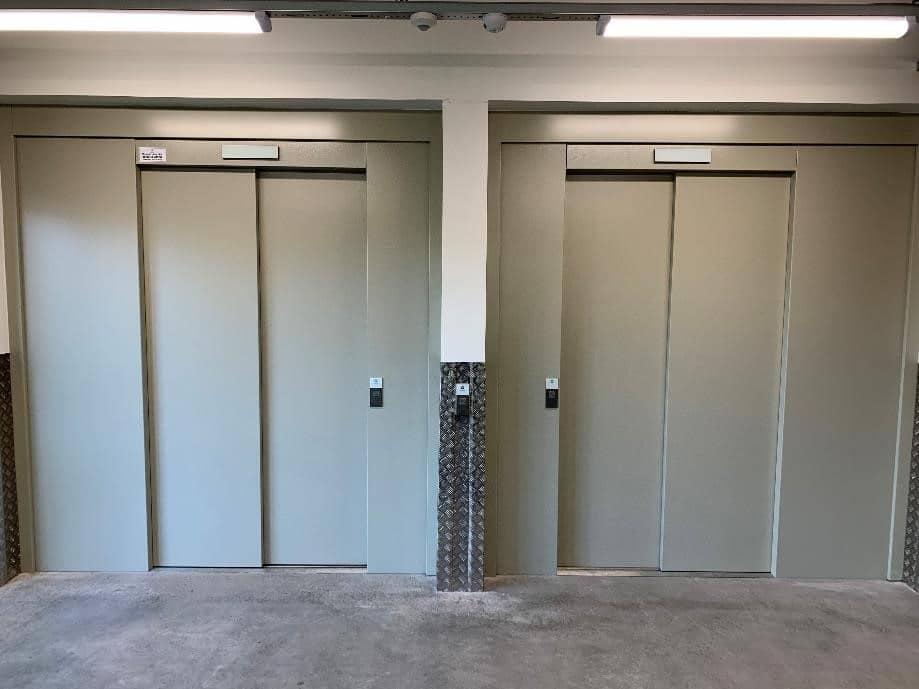
The lifts are located in the lobby immediately after the loading area doors. The first number of your unit will tell you which floor the storage you are renting is on (e.g. 3123 is on the third floor).

When you reach the right floor, turn left and you will see signs leading you to your storage.

6. Use of storage space

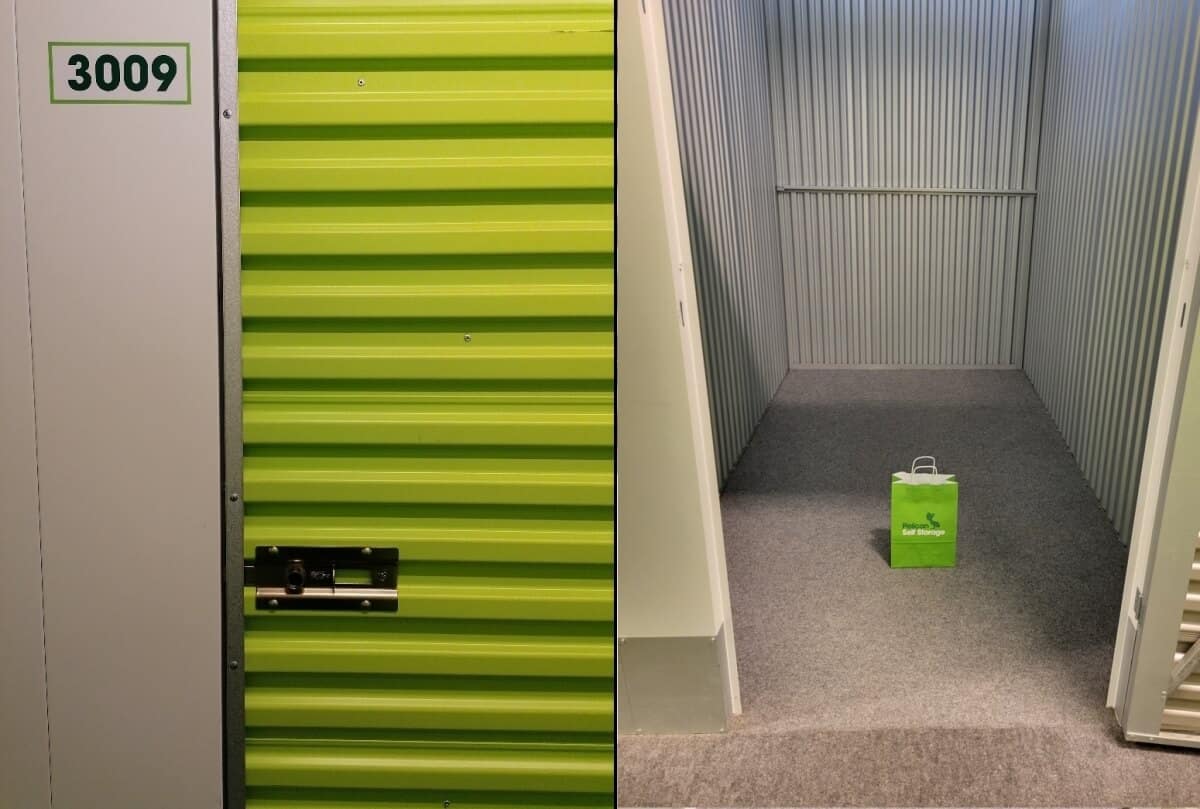
Once you have found to your storage, please check once again that you are using the right space. The unit number is outside the door.

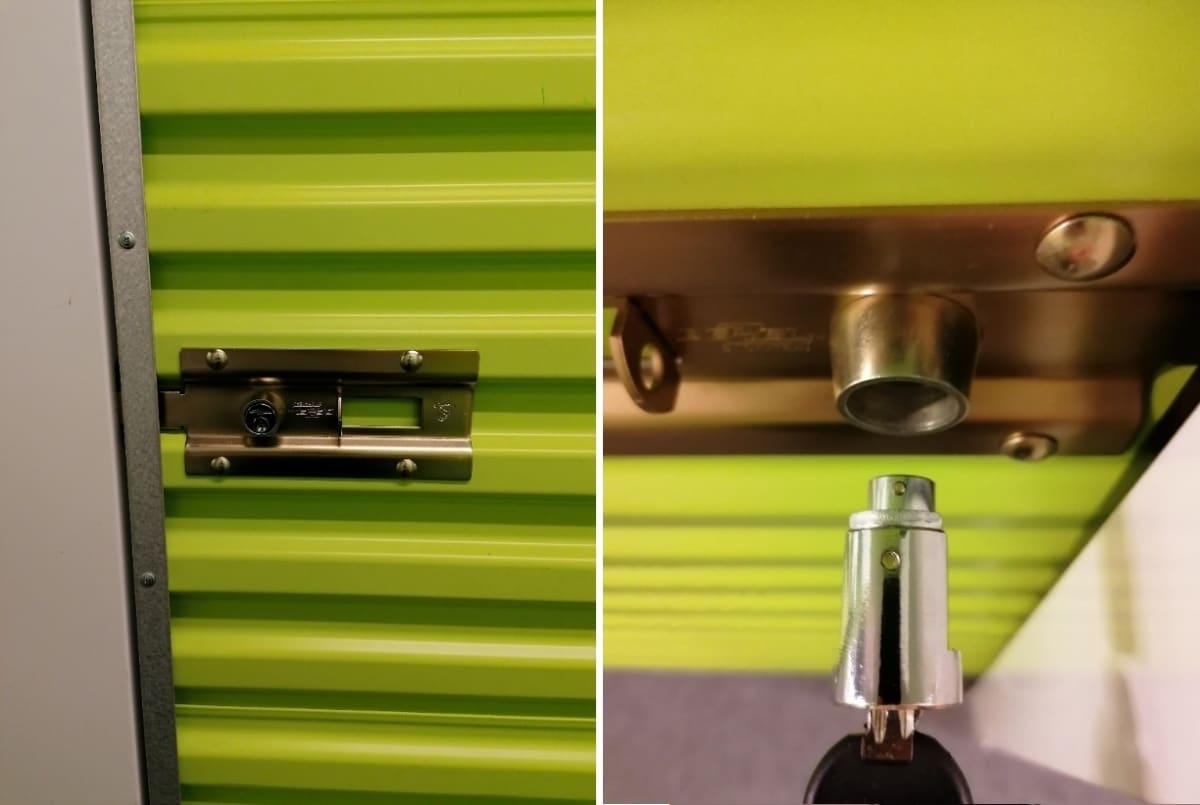
Open the door by pulling the latch open. This unlocks the lock and the door can be opened.

On the floor of the unit there is a safety-approved cylinder lock with keys. Note. Pelican has no spare keys to your lock. To make it easier for you to get around the property, you can get a key tag from the shop free of charge, so you no longer have to enter the access code.

The space is now ready for use.

Rum.jpg
img112_2.jpg

7. How to open and lock the storage door

To close the door:
Push the door closed, and slide the metal latch into place so that the door locks. ( For lift-up doors, pull the door down, and make sure the door is fully down to get the latch in place. )
Make sure the cylinder lock tab is in line with the lock. ( See photo below: The dots are facing each other) Insert the lock into the lock face and turn the key counterclockwise. Remove the key and the lock should stay in place. Make sure again that the door does not open.

To open the door:
Turn the key to the right and pull the cylinder lock out of its slot. Slide the metal latch and you can now open the door.

8. How to open the gate from the inside

To exit through the gate, you will need your 8-digit access code, which was sent to you by email. The access device for opening the gate is located on the fence post of the loading area, on the side of the Kaari shopping center, at the end closest to the gate
When entering the code into the reader, first press * ( asterisk ) then the 8-digit code and finally # ( dash ) The instructions for using the device are also available next to it.

untitled4.jpg