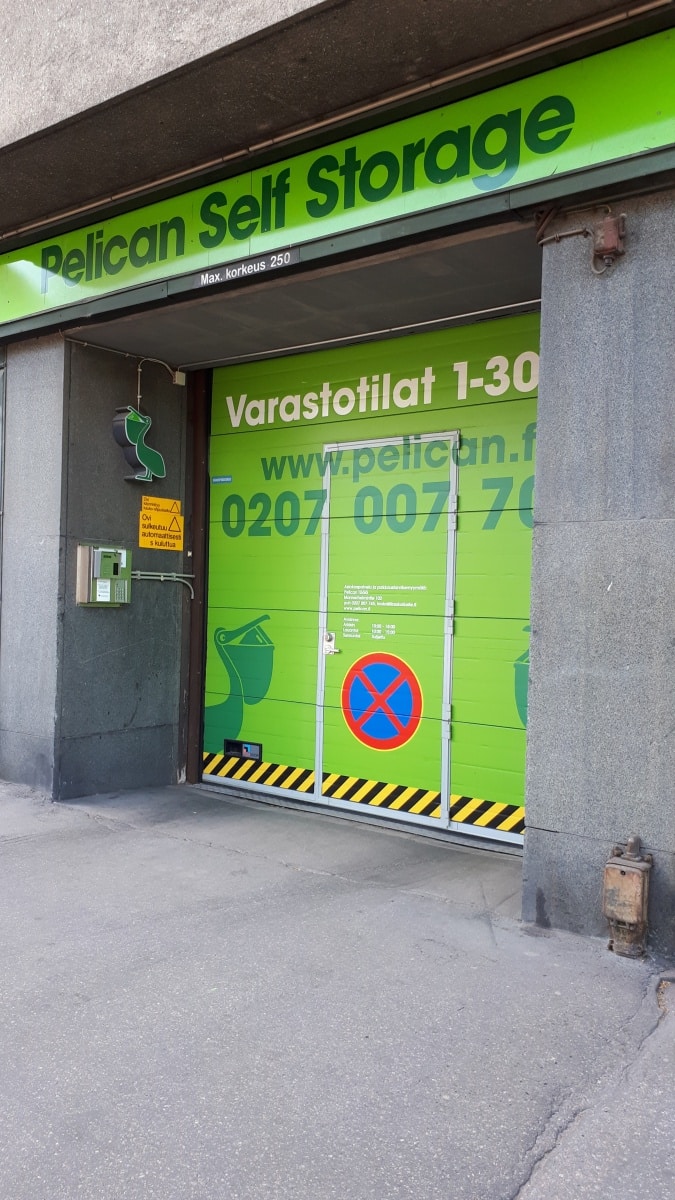
kuva_nosto-ovi.jpg

1. Arrival

Welcome to Pelican Self Storage Hesperianpuisto! The customer service of this site is located in Pelican Töölö (Päivärinnankatu 1) and is open Mon-Fri 10-18 and Sat 10-14.

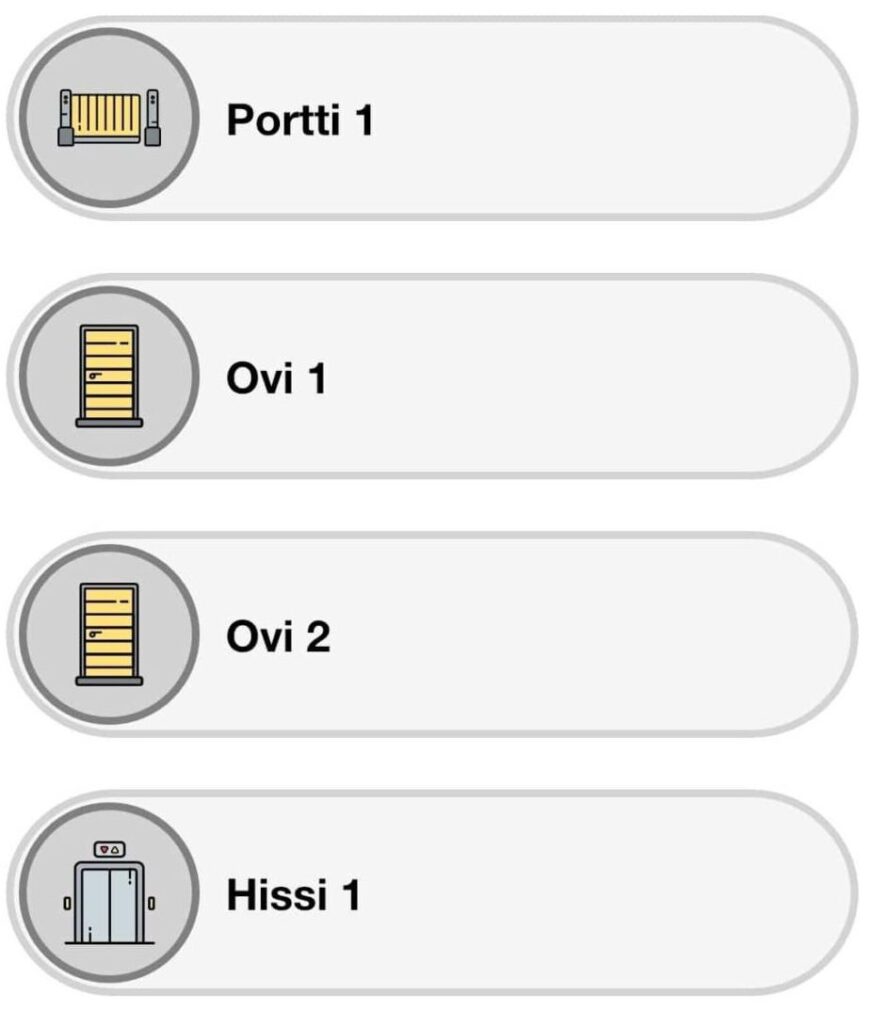
Get the doors open by using the Pelican Smart Access app. To open the lift door when exiting, press the large door open button. If you encounter problems outside opening hours, call the emergency number 020 491 2761.

2. Loading area/entrance

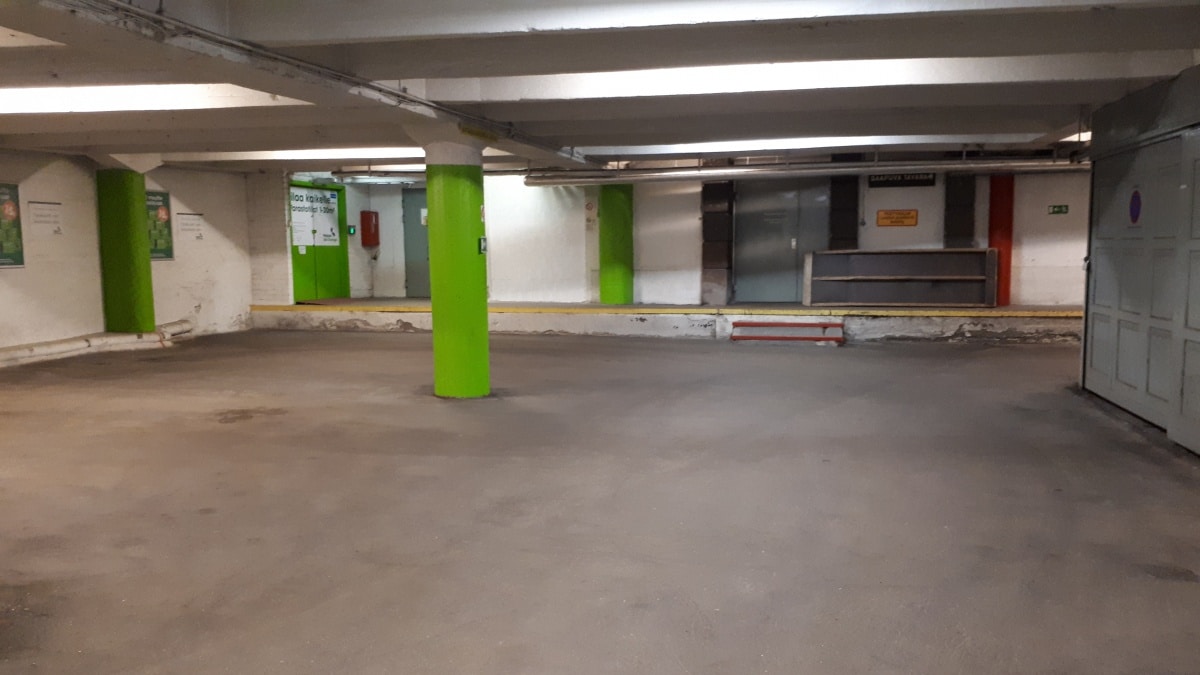
You can drive your car/trailer directly into the loading area, so you are also protected from the weather.

The loading area can accommodate two cars at the same time.

Please note that parking in the loading area is only allowed in Pelican's designated parking spaces.

kuva_parkkihalli.jpg
Smart access

3. Opening hours and the Pelican Smart Access app

You have access to your storage space every day of the year from 05.30 to 22.00 from the start date of your contract.

In order to access your storage, you need to activate the Pelican Smart Access app. We have sent you an SMS to activate the app. The message contains a link to the app itself and a code to activate the app. Instructions for using the app can be found here:
https://pelican.fi/app

If you encounter problems outside opening hours, call the emergency number 020 491 2761.

4. Entrance to storages

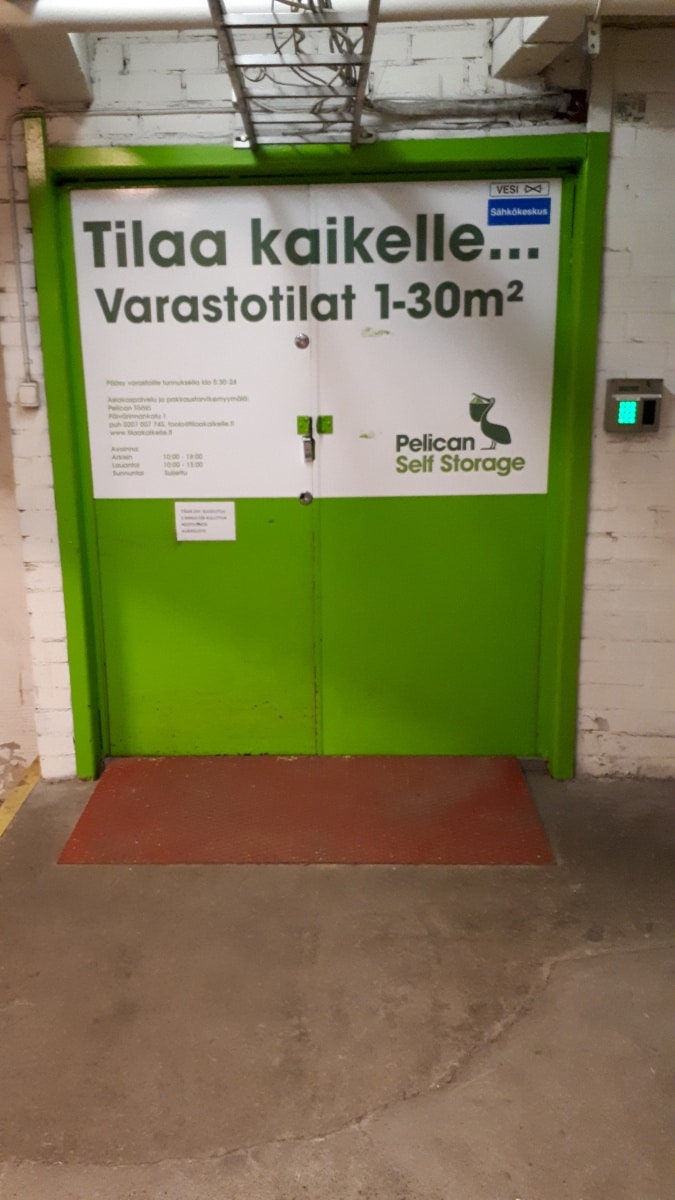
Entrance to the storage area is from the left side of the loading area.

The lock on this door is also unlocked using the Pelican Smart Access app.

kuva_ovi_sisalle.jpg

5. Trolleys in the loading area

Once you enter the storage area, trolleys for transporting goods are immediately to the right of the door. The trolleys are not locked and we ask that you return them after use. Trolleys may not be left in your own storage or borrowed.

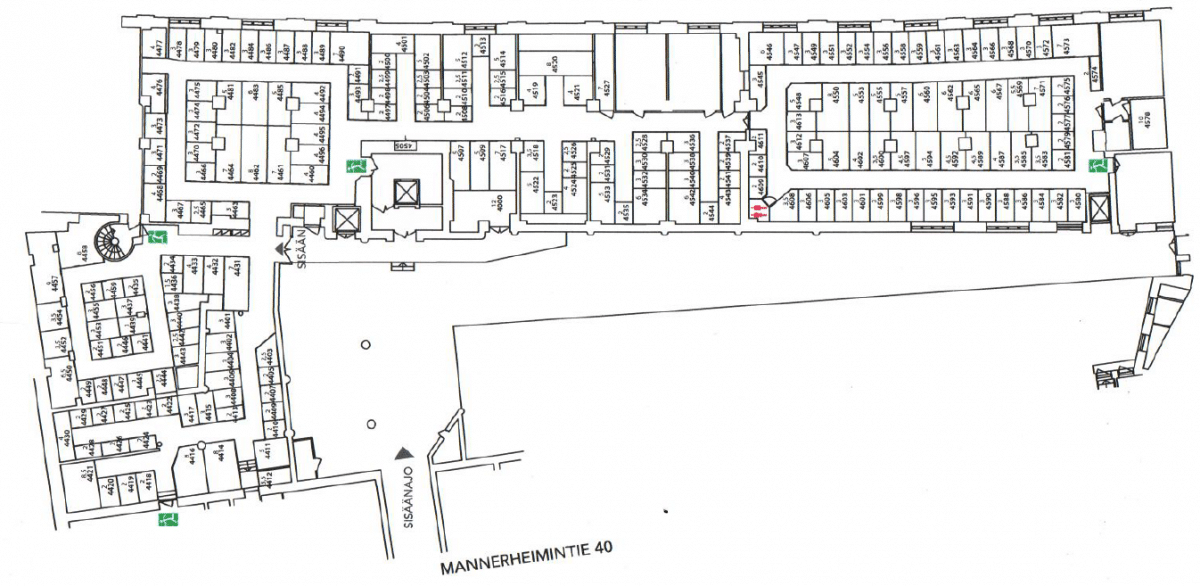
pohjakuva.png

6. How to find your storage space

In Hesperianpuisto, all the premises are at street level, so there is no need for a lift. The storages are numbered and signs to units can be found on the walls. Please make use of the space you have rented. You can find the storage number in your contract.

7. Use of storage space

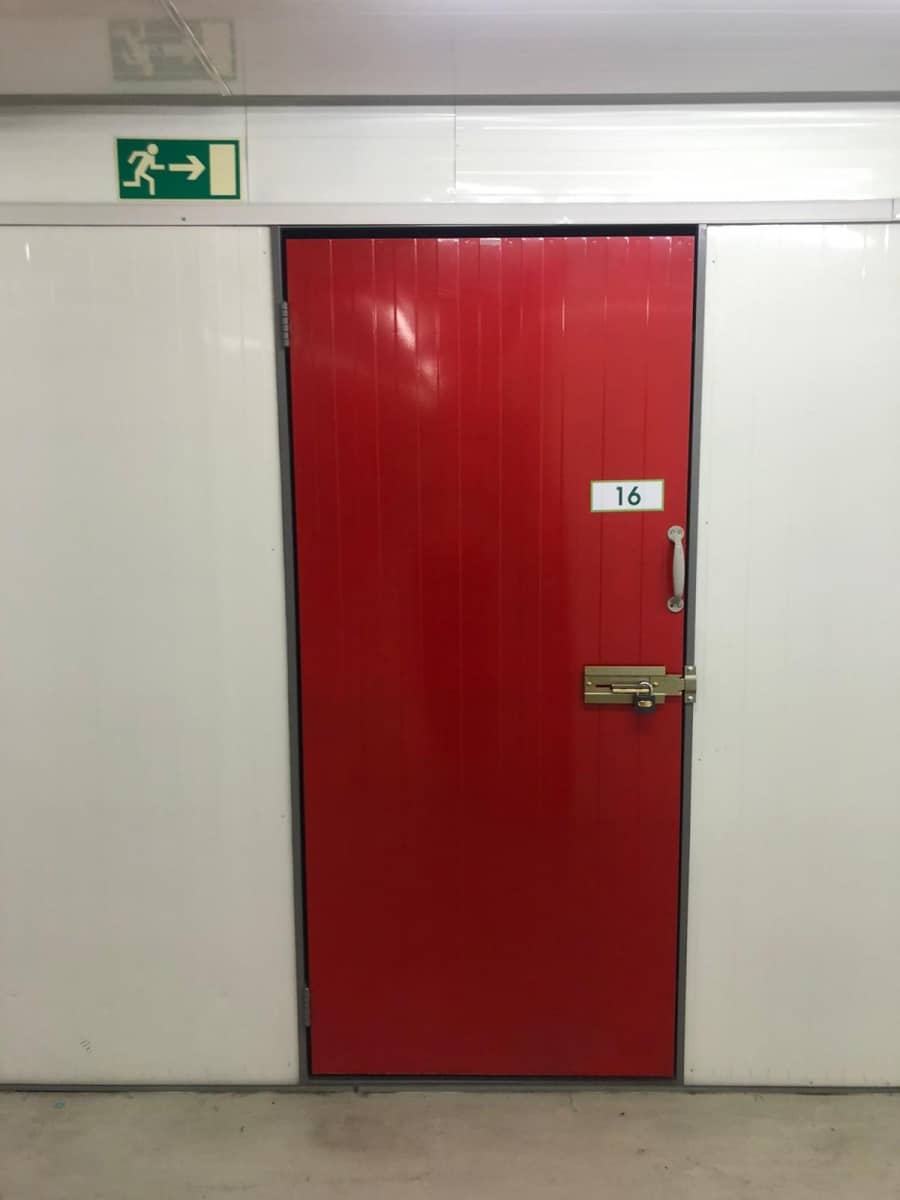
Once you have located your rented unit, please double-check that you are about to take the correct unit into use. The unit number is displayed on the outside of the door or marked on the door itself.
Open the door by releasing any locking latch and pulling the door open.
On the floor of the unit, you will find a padlock with keys. Note. Pelican has no spare keys to your lock.

The storage is now ready for use.

Tip! You can also buy moving and packing supplies – like boxes, mattress covers, and packing tape – at our Töölö store. Come and have a look!


varaston_ovi.jpg