


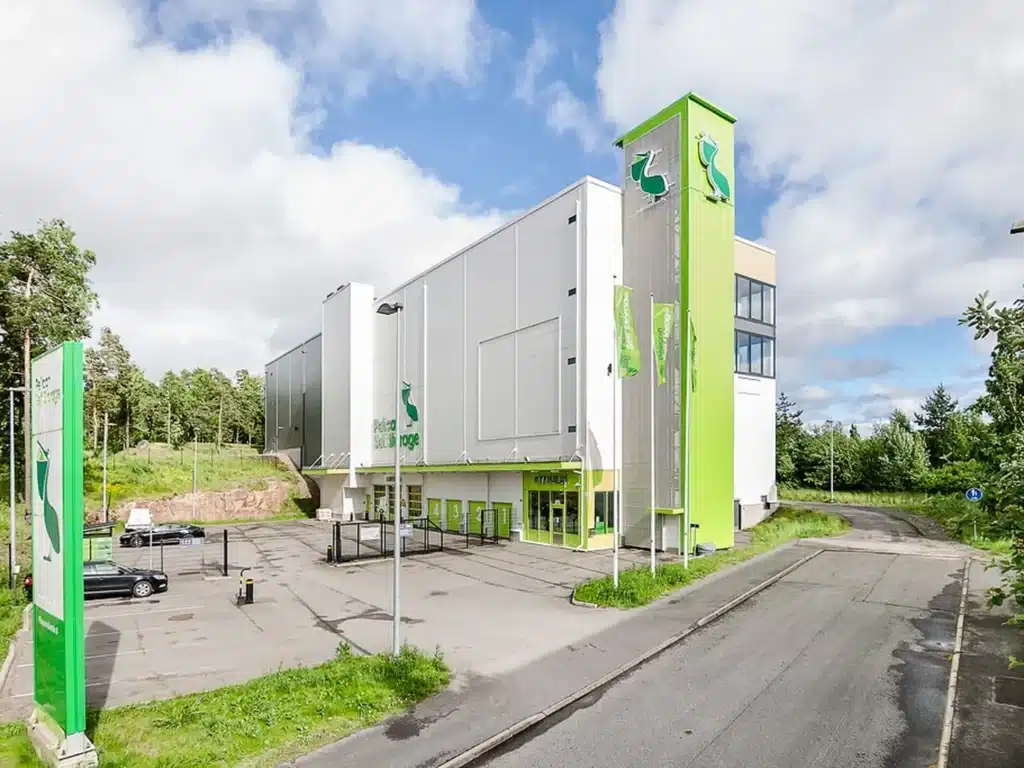





Instructions for Pelican Tammisto
On this page, you will find instructions for arriving at the Pelican Tammisto location, parking, and setting up your storage unit. Access is conveniently managed via the Pelican Smart Access app.


1. Arriving at the location
Welcome to Pelican Self Storage Tammisto! The address of the location is Sähkötie 12, Vantaa.
Our customer service is open on weekdays from 10:00 to 18:00 and on Saturdays from 10:00 to 14:00. In our store, you can purchase moving and packing supplies such as moving boxes, mattress covers, packing tapes, etc. Welcome to visit us!
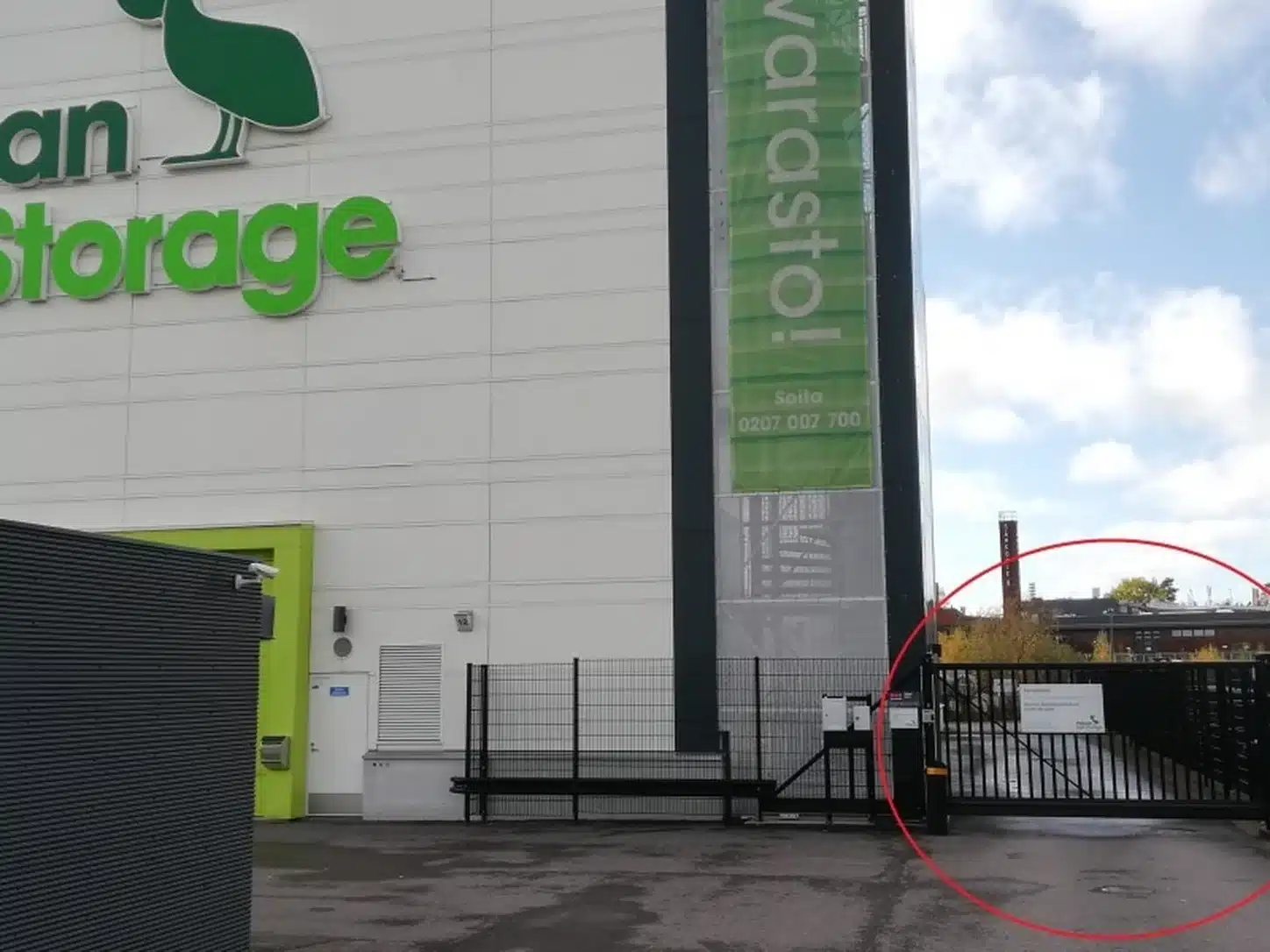
The entrance gate is located on the right side of the building’s front yard.
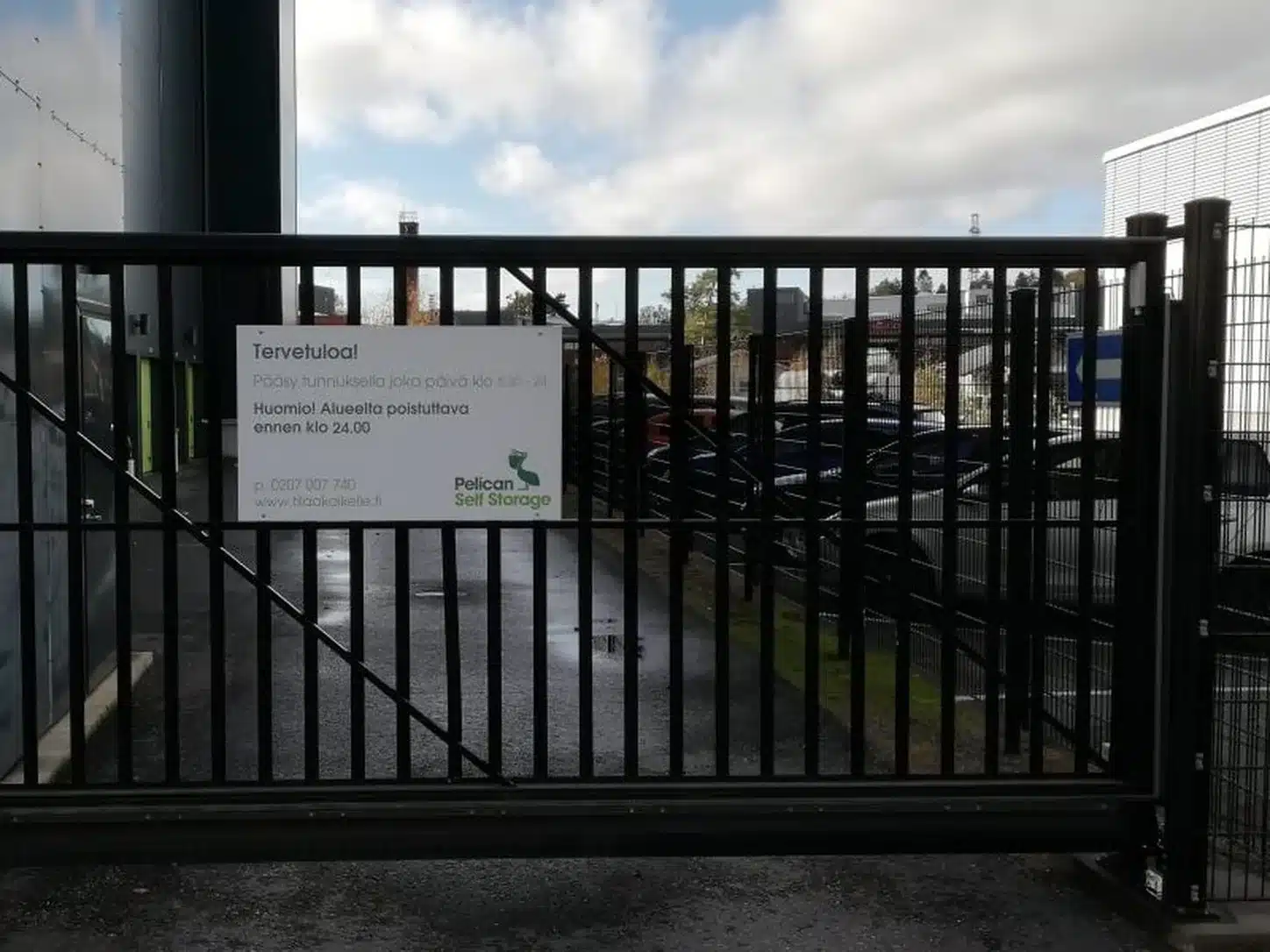
You can open the gate using the Pelican Smart Access app, which can be downloaded to your phone.
2. Loading area and entrance
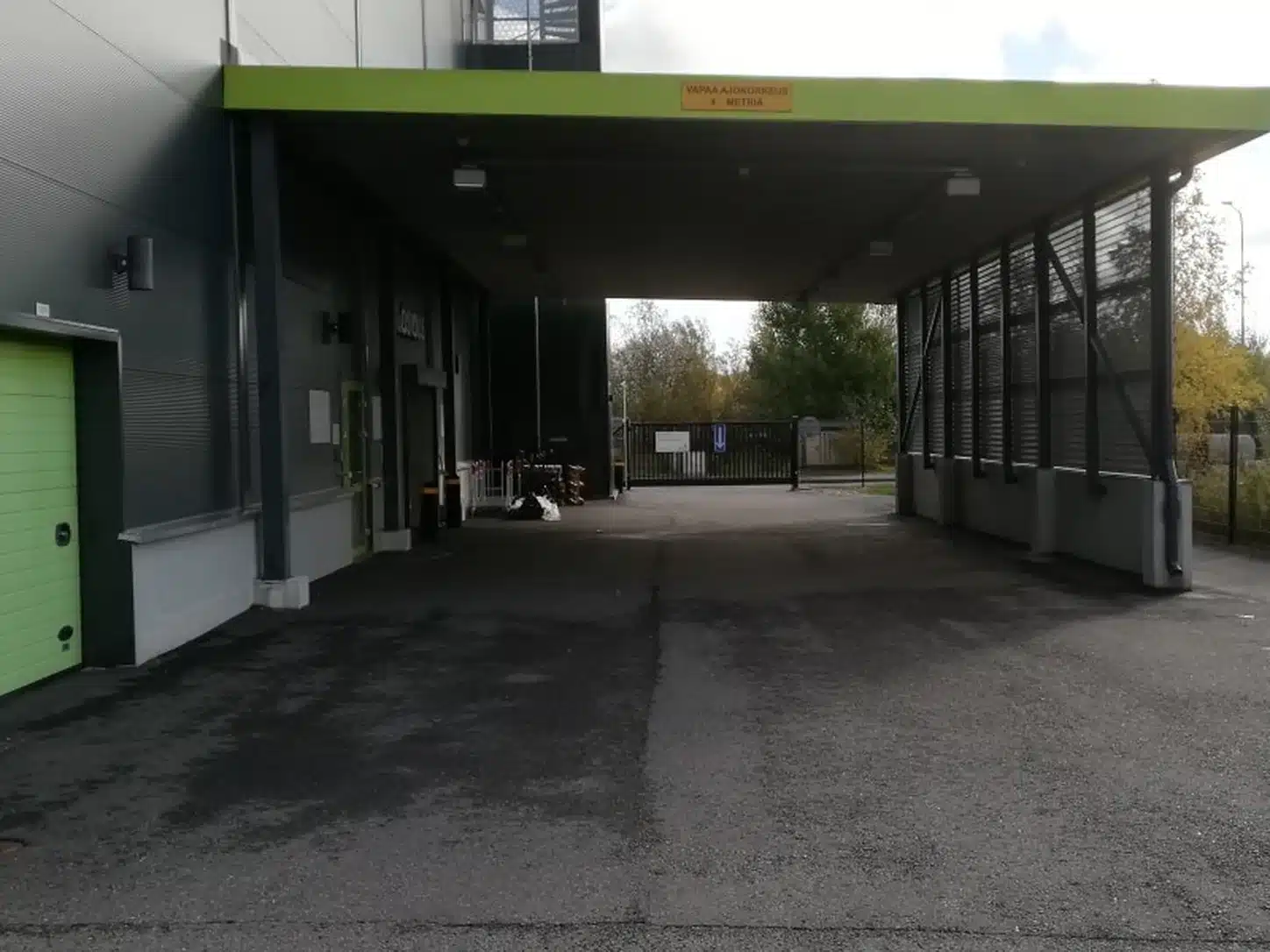
You will find the loading area after driving through the entrance gate and proceeding to the end of the driveway on the other side of the building. The loading area is covered to protect your car and belongings from the rain. The height of the canopy is 4.0m.
In the corner of the loading area, you will also find hand trucks, pallet jacks, and trolleys for transporting goods. The trolleys are not locked, and we ask that you return them to their place after use. Trolleys must not be left in your own storage unit or taken outside our premises.

3. Opening hours and the Pelican Smart Access app
You have access to your storage space every day of the year from 05:30 to 22:00, starting from the start date of your contract.
To access your storage, you must set up the Pelican Smart Access app. We have sent you a text message to set up the app. The message contains a link to the app itself and a code to activate it. Instructions for using the app can be found here:
https://pelican.fi/app
In case of problems outside of opening hours, please call the emergency number 020 491 2761.
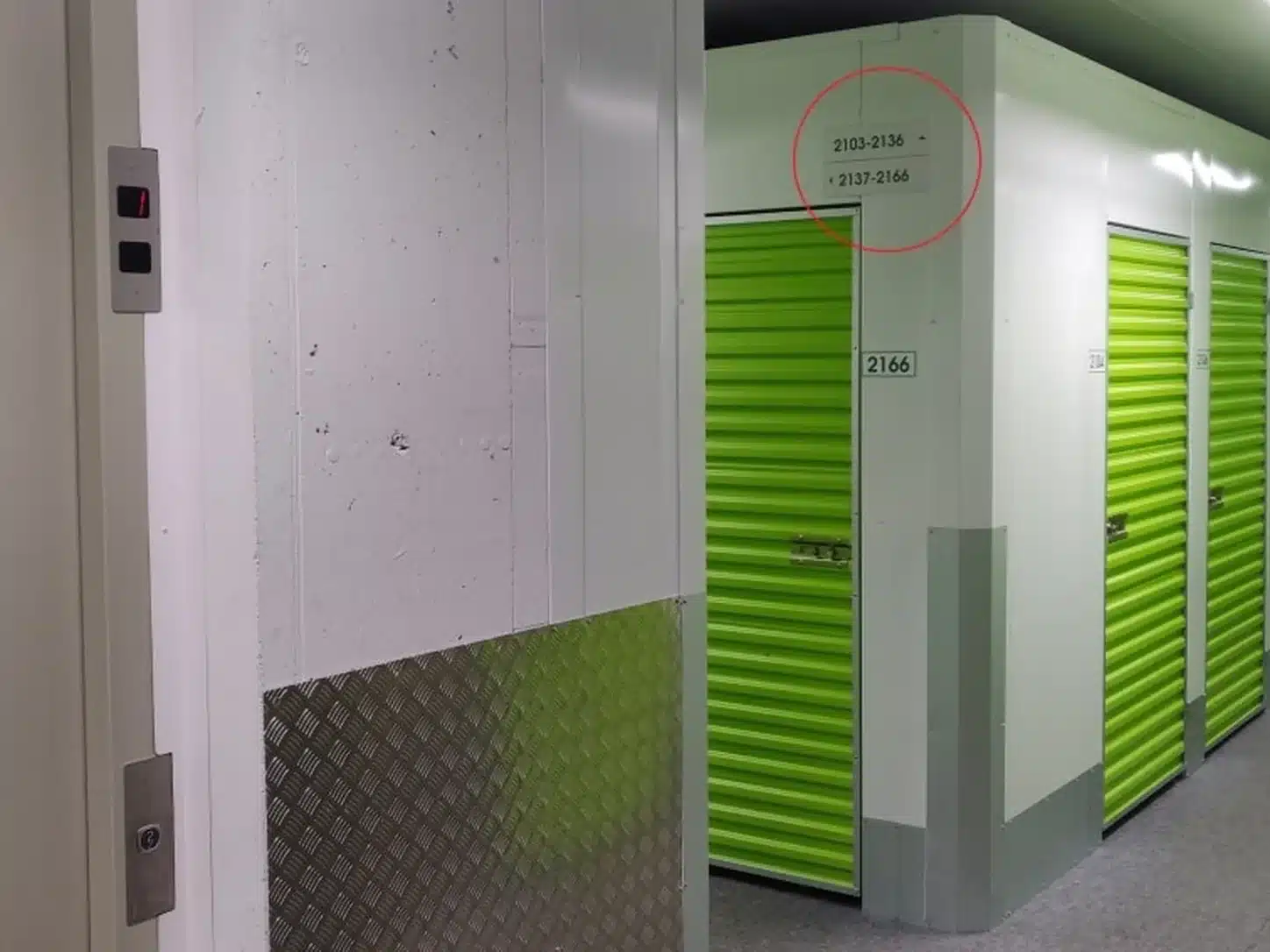
4. How to find your storage space
The elevators are located in the lobby immediately inside the loading area doors. The first digit of your storage number indicates which floor your rented space is located on. (E.g., 3123 is located on the third floor.)
When you arrive at the correct floor, the signs on the hallway walls show the storage numbers, and arrows indicate which direction you need to go to find your unit.

5. Using the storage space
Once you have found your rented space, please double-check that you are indeed accessing the correct unit. The storage number is written outside the door.
Open the door by pulling the latch open. This unlocks the door, and it can be opened. On the floor of the storage unit, there is a safety-approved cylinder lock with keys. Note: Pelican does not have spare keys for your lock.
The space is now ready for use.

6. How to open and lock the storage unit door
Closing the door:
Push the door closed and move the metal latch into place so that the door locks. (For overhead doors, pull the door down and press slightly downward on the handle at the bottom of the door with your foot so that the door is fully down, allowing you to put the latch in place.)
Ensure that the tongue of the cylinder lock is aligned with the lock. (See image 2: Dots on the lock facing each other) Insert the lock into the lock housing and turn the key counter-clockwise. Remove the key, and the lock should stay in place. Finally, ensure that the door does not open.
Opening the door:
Turn the key to the right and pull the cylinder lock out of its housing. Move the metal latch, and you can now open the door.
Drive-up units:
Inside the unit, there are two (2) iLOQ keys and illustrated instructions for opening and closing the door. When you first arrive at the unit, the door is unlocked and opens by lifting.
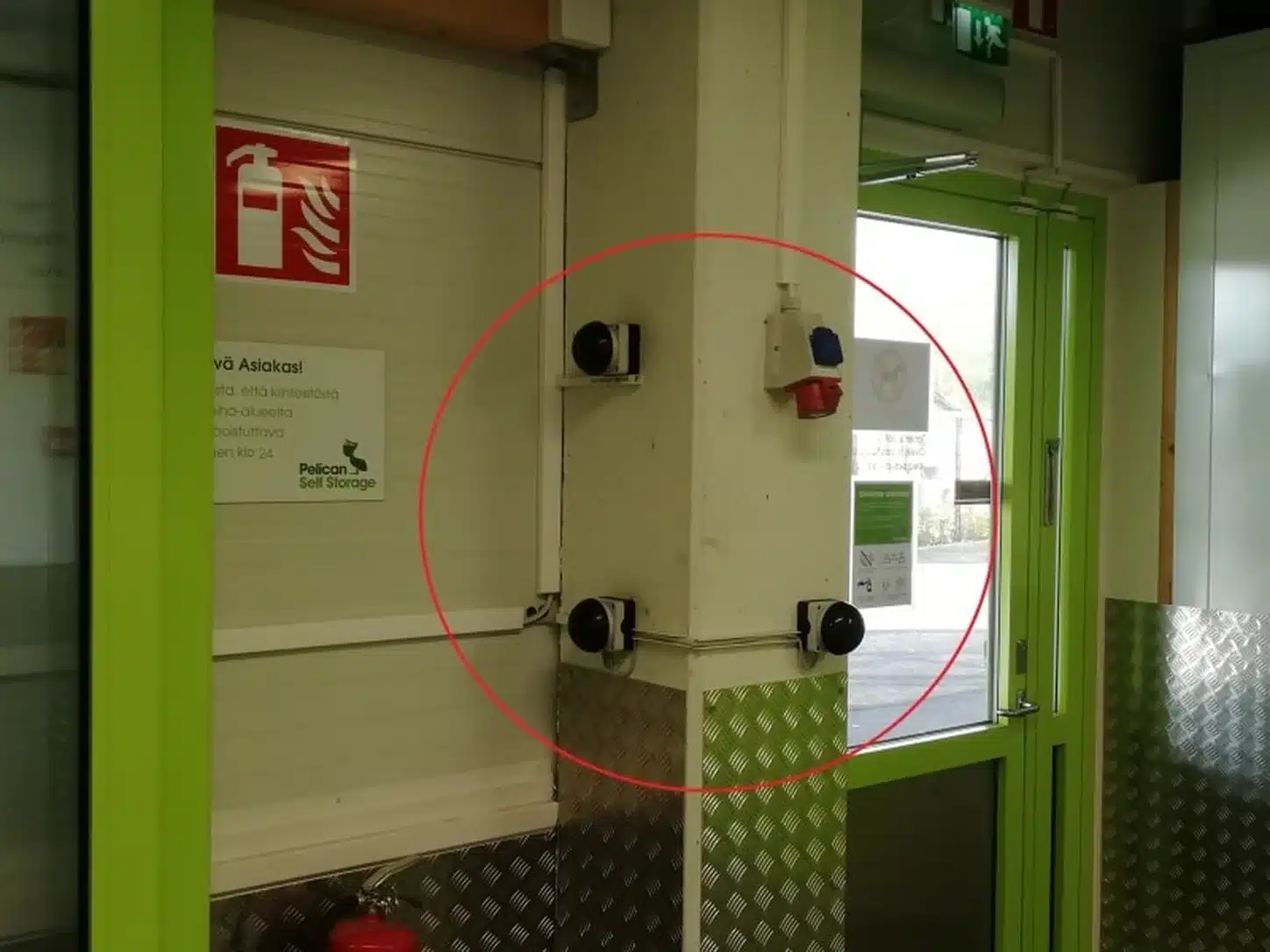
7. Leaving the premises
You can exit the building by taking the elevator back to the 1st floor. You can open the loading area doors from the inside by pressing the buttons located on the pillar in the elevator lobby.
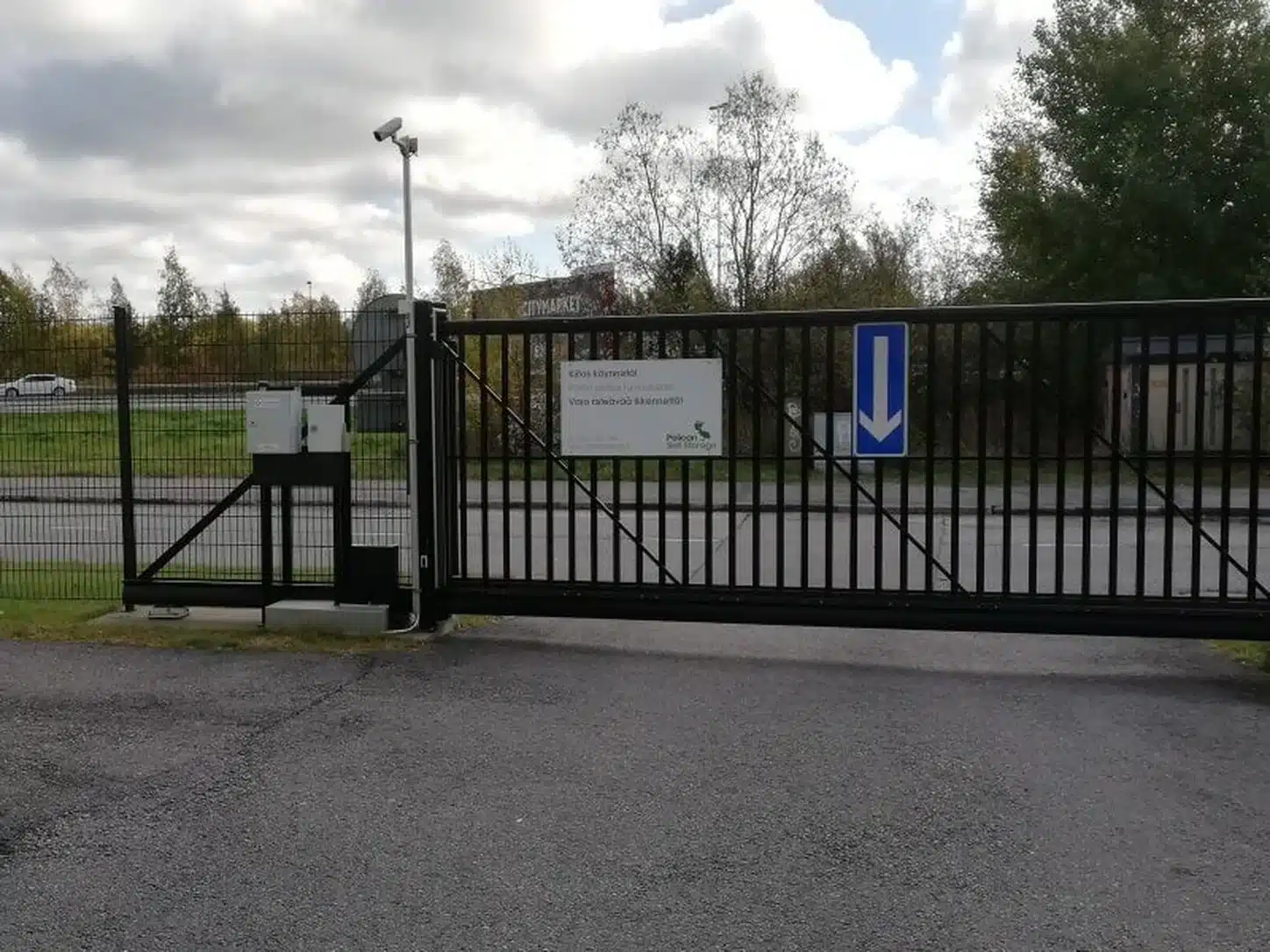
When you are driving out of our yard, the exit gate is found by driving straight ahead. You can open the exit gate using the Pelican Smart Access app.
Information about the Pelican Tammisto location
Pelican Tammisto is located along Tuusulantie, near the Kehä III interchange and Helsinki-Vantaa Airport. The location is easy to reach by car. Pelican Tammisto is an ideal storage location for residents and businesses in Malmi, Töyrynummi, Veromäki, Ylästö, and Vantaanportti, among others.
Renting a storage unit is easy and convenient. Pelican Tammisto has approximately 650 storage spaces suitable for the various needs of both businesses and private customers. The location also features several drive-up units, which can be accessed directly by car right to the door. All storage spaces are heated and monitored, and the loading area is covered. In our store, you will also find moving boxes and packing supplies if needed. For businesses, we also offer a receiving service for incoming shipments.
Storage and storage solutions for every need
At the Pelican Self Storage Tammisto self-service facility, storing goods is easy and safe. As a customer, you may need extra storage space, for example, during a move or renovation, in which case we are happy to help you choose a suitable unit. Our professional staff ensures that your property remains in good hands. Our storage facilities are open to our customers from 05:30 to 22:00, which means you can visit your unit whenever it suits you best.
If you are facing a move, you will find all the necessary moving services and supplies with us. You can also borrow a trailer from us for 24 hours completely free of charge. We are also happy to help arrange moving transportation through our partners, so please do not hesitate to contact us.
Welcome to Pelican Tammisto!
Why choose Pelican Tammisto?
- Excellent location in the Tammisto business park near the airport
- Heated storage spaces from 1–30 m² for various needs for both individuals and businesses
- Covered loading area
- Also heated garage-style units with direct drive-up access to the door
- High-quality and affordable moving boxes and other packing supplies from our service-oriented store